| .github | ||
| app | ||
| components | ||
| hooks | ||
| lib | ||
| public | ||
| .env.example | ||
| .eslintrc.json | ||
| .gitignore | ||
| components.json | ||
| e2b.Dockerfile | ||
| funding.json | ||
| LICENSE | ||
| next.config.mjs | ||
| package.json | ||
| pnpm-lock.yaml | ||
| postcss.config.mjs | ||
| README.md | ||
| tailwind.config.ts | ||
| tsconfig.json | ||
| vercel.json | ||

MiniPerplx
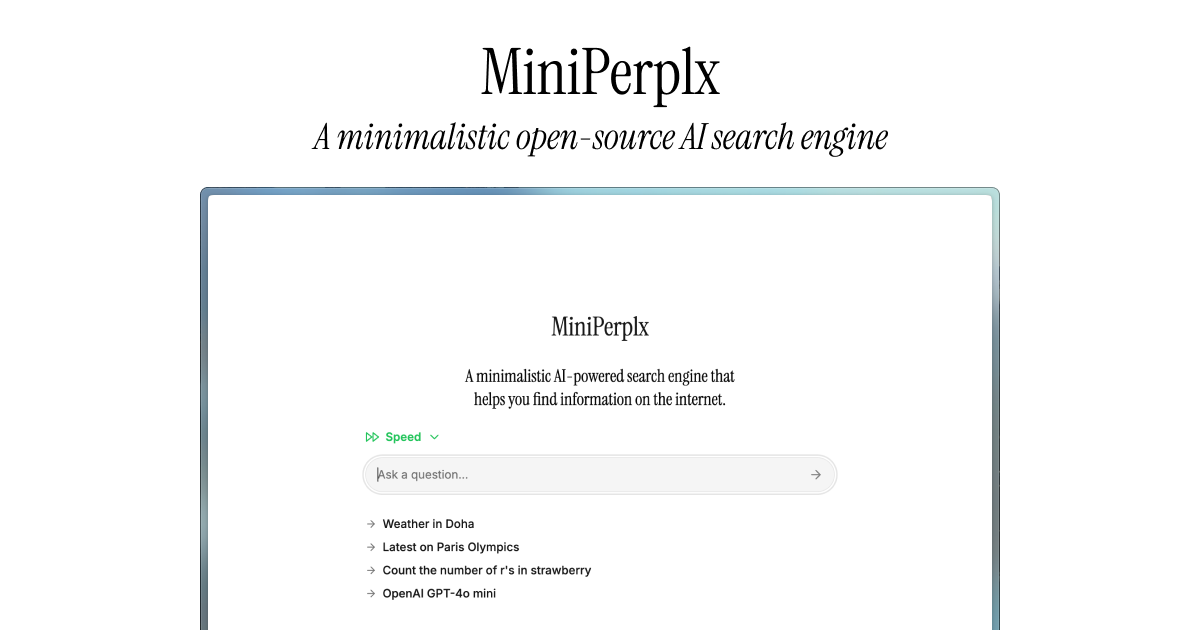
A minimalistic AI-powered search engine that helps you find information on the internet.
Set MiniPerplx as your default search engine
-
Open the Chrome browser settings:
- Click on the three vertical dots in the upper right corner of the browser.
- Select "Settings" from the dropdown menu.
-
Go to the search engine settings:
- In the left sidebar, click on "Search engine."
- Then select "Manage search engines and site search."
-
Add a new search engine:
- Click on "Add" next to "Site search."
-
Set the search engine name:
- Enter
MiniPerplxin the "Search engine" field.
- Enter
-
Set the search engine URL:
- Enter
https://mplx.run/search?query=%s&model=azure:gpt4o-miniin the "URL with %s in place of query" field.
- Enter
-
Set the search engine shortcut:
- Enter
mpin the "Shortcut" field.
- Enter
-
Set Default:
- Click on the three dots next to the search engine you just added.
- Select "Make default" from the dropdown menu.
After completing these steps, you should be able to use MiniPerplx as your default search engine in Chrome.
ProductHunt Launch
Upvote MiniPerplx on ProductHunt to show your support!

Features
- AI-powered search: Get answers to your questions using Anthropic's Models.
- Web search: Search the web using Tavily's API.
- URL Specific search: Get information from a specific URL.
- Weather: Get the current weather for any location using OpenWeather's API.
- Programming: Run code snippets in multiple languages using E2B's API.
- Maps: Get the location of any place using Google Maps API, Mapbox API, and TripAdvisor API.
- Translation: Translate text to different languages using Microsoft's Translator API.
- YouTube Search: Search for videos on YouTube and get timestamps and transcripts.
- Academic Search: Search for academic papers.
- Product Search: Search for products on Amazon.
- X Posts Search: Search for posts on X.com.
- Flight Tracker: Track flights using AviationStack's API.
Built with
- Next.js
- Tailwind CSS
- Vercel AI SDK
- Shadcn/UI
- Tavily
- OpenWeather
- E2B
- Google Maps
- Mapbox
- TripAdvisor
- Microsoft Translator
- Exa.AI
- AviationStack
LLM used
- OpenAI's GPT 4o mini
- OpenAI's GPT 4o
- Anthropic's Claude 3.5 Sonnet
- Anthropic's Claude 3.5 Haiku
- xAI's Grok
Deploy your own
Local development
To run the example locally you need to:
- Sign up for accounts with the AI providers you want to use. OpenAI and Anthropic are required, Tavily is required for the web search feature.
- Obtain API keys for each provider.
- Set the required environment variables as shown in the
.env.examplefile, but in a new file called.env.local. pnpm installto install the required dependencies.pnpm devto launch the development server.
License
This project is licensed under the MIT License - see the LICENSE file for details.